Infoboard Layouts
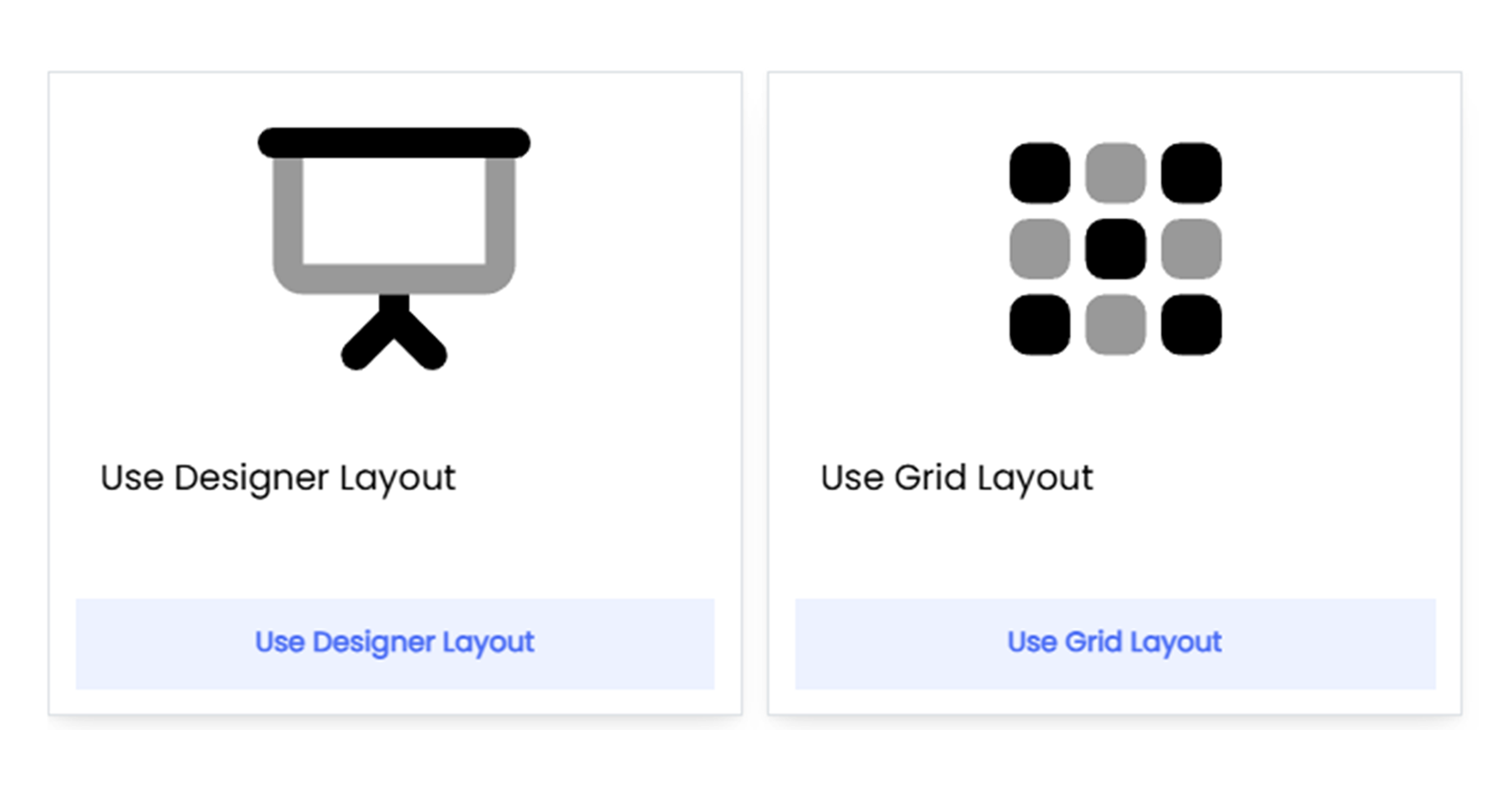
Infoveave provides two layout options Grid Layout and Designer Layout, to design dashboards that fit different needs. These layouts ensure dashboards are clear, functional, and visually engaging.
The Grid Layout organizes widgets into a structured format, making it simple and easy to use. Widgets automatically snap into place, keeping everything aligned and neat. You can rearrange or resize widgets effortlessly, ensuring the layout remains clean and professional. This layout is ideal for simple, organized dashboards where clarity and organization are the main focus.
The Designer Layout, on the other hand, offers complete creative freedom. You can place and resize widgets anywhere on the canvas without restrictions. This flexibility allows you to create unique, visually appealing designs that go beyond the structured approach of the grid layout. The Designer Layout is perfect for dashboards that require a custom look and a focus on visual storytelling.