Tabbed Browsing
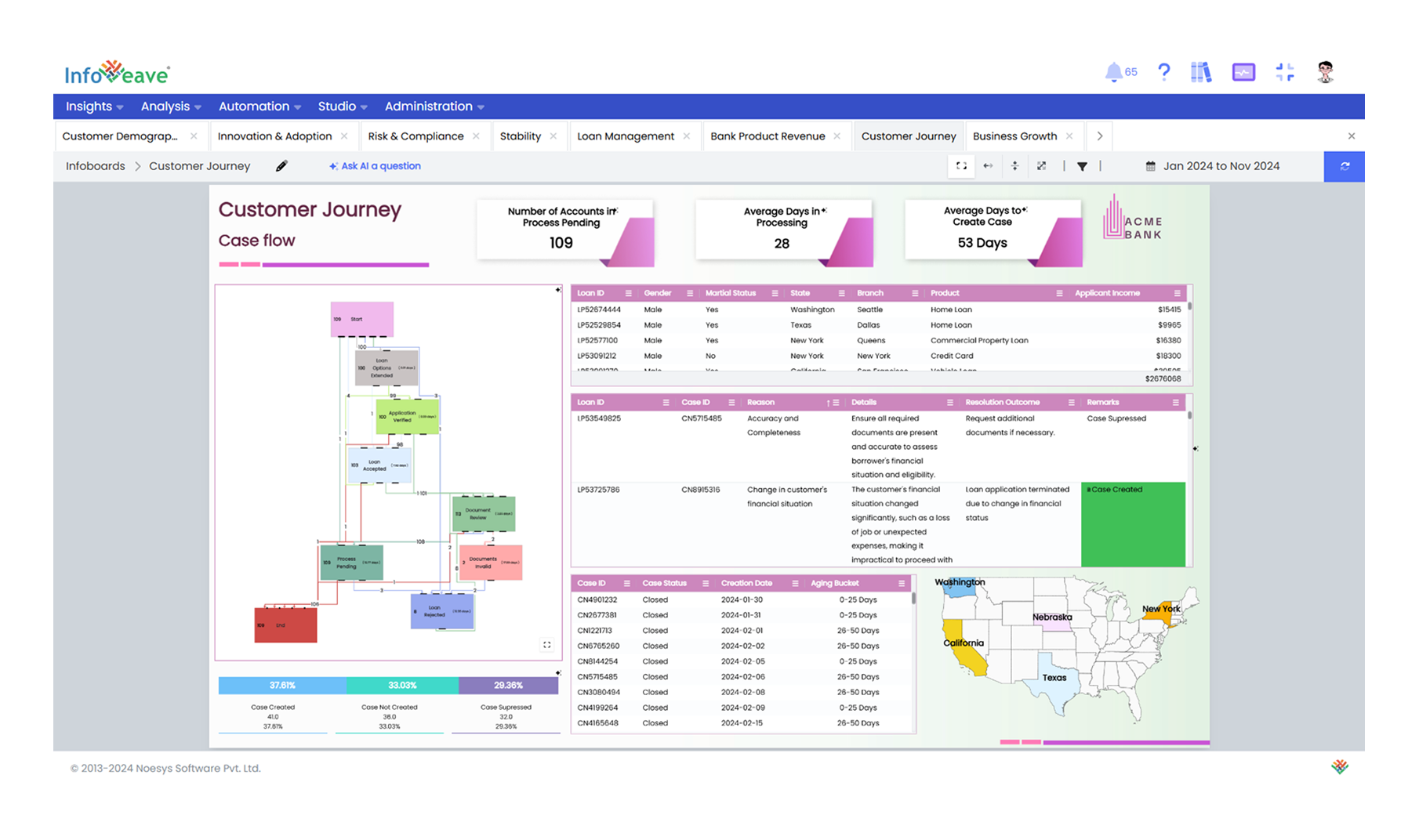
The tabbed browsing feature in Infoveave makes managing and navigating multiple Infoboards simple and efficient. When enabled, this feature displays all recently visited Infoboards as separate tabs at the top of the screen. It allows to quickly switch between dashboards without having to search or reload them. For example, if someone explores multiple dashboards these dashboards will appear as individual tabs. Tabs can also be closed individually when they are no longer needed to keep the workspace organized.
This feature also helps to maintain a smooth workflow by keeping all relevant Infoboards open in one place. It mirrors how web browsers handle multiple tabs, making it intuitive and easy to use.